
DRAGON QUEST Smash/Grow News
Use this page as an update directory: start with the current event checklist when you need live actions, then open the Ruins Giant Monster Mystery event guide, the Garuda and Gigantes Army Memory farms, the Scorpion Armor shrine, the Super Monster Rush Season 5 guide, banner decisions, or event archive guides as needed.
Current Update
Start with the current event checklist, then pick the right update page.
If you only want the current action path, open the event checklist first. Use the Ruins Giant Monster Mystery event guide for the live limited window (three chapter waves, the 15-floor giant monster ruins, the charm stone exchange, and the new limited Memories), the Garuda strong enemy guide for the chapter 1 match (earth super weakness, damage-cap missions, Garuda Memory), the Gigantes Army multi quest guide for the chapter 2 multi (earth and dark weakness, clear-time missions, Gigantes Army Memory), the Scorpion Armor shrine guide for the always-available dark shrine, the Super Monster Rush Season 5 guide for the live score attack season (stage 3 from October 6, fire and wind weakness, medal milestones), and the current banner guide for Dark Knight Series, Sacred Arts Series, and stop lines. Use the Skarugon guide and the SmashGrow Summer 2026 event only for leftovers from their closed windows, and the Wandering Merchant archive only for leftovers from July 21.
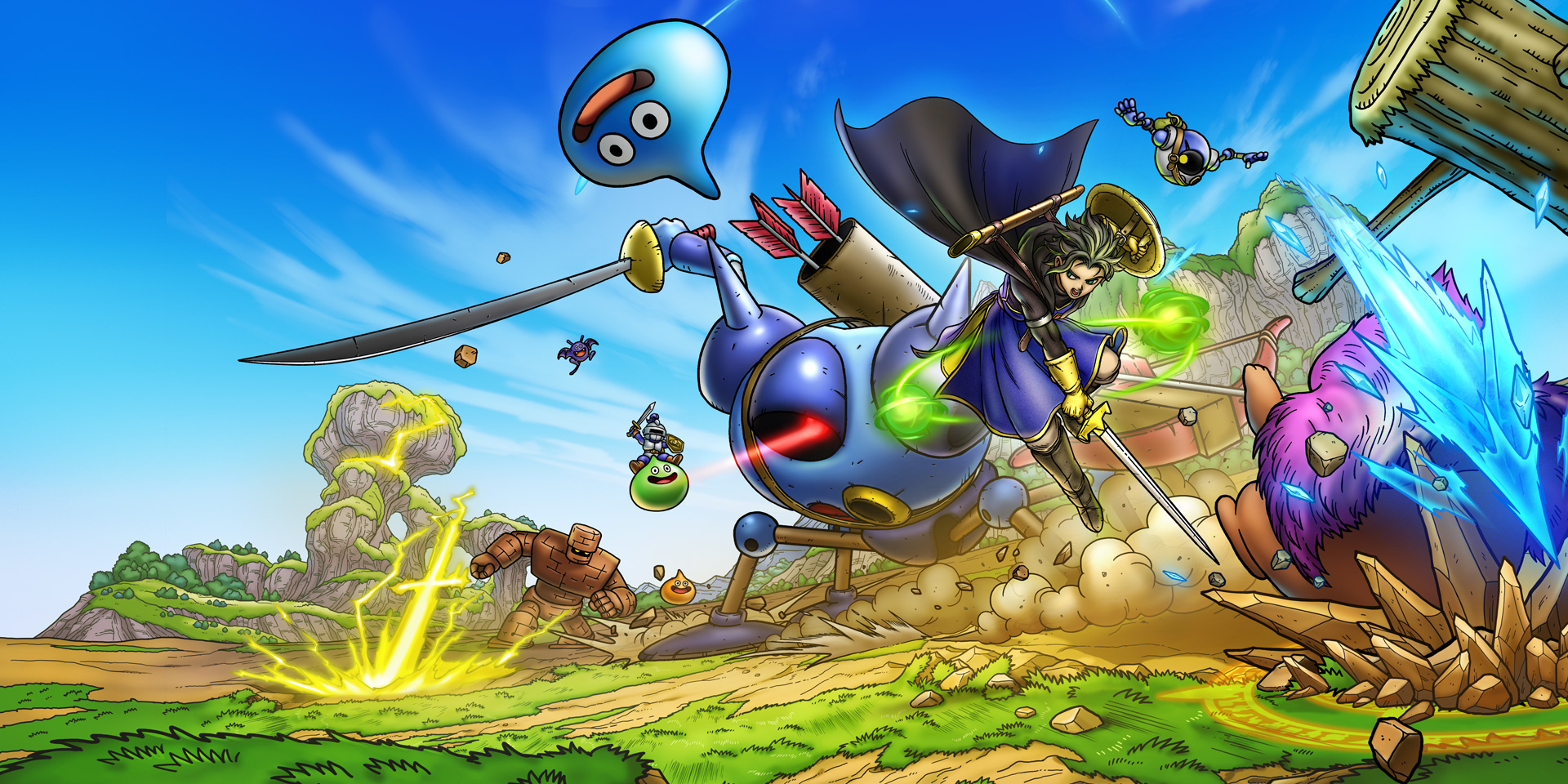
Current Reads
Use this as an update directory, not the action checklist.
These pages answer common update searches: what to do right now, which banner to open next, and which ended-event guides still help with leftovers or route history.
After News
Move into account decisions after free claims are clear.
Once free claims and banner checks are clear, the next useful decision is whether your first account is worth keeping.
Use the current event page for what to do now, then return here for update history and related reads.
Banner Decide pull or save on live bannersUse the banner guide when free claims are done and the next question is whether gems are worth spending.
Live Event Open the DQ6 Chapter 6 route mapUse this when you need unlock order, limited bosses, multi, bond ranks, or DQ6 Gold priorities.
Event Archive Review the July ruins event routeUse this when you need Mechanical Ruins, Dragon Ruins, or ticket-route details from the ended July window.
Next Action Switch from news reading into account decisionsOpen reroll once free claims are clear and the real decision is keep, reset, or start building.